


Margin vs Markup Explained for Resellers
You're standing in a Goodwill aisle with a vintage jacket in one hand and your phone in the other. The sold comps look strong, so paying $20 feels safe. You find the same jacket at an estate sale later, but this time the seller wants $10. Both buys seem profitable when you think in markup. After marketplace fees, shipping, packaging, and the occasional return, only one may deserve space in your death pile.
That's the practical problem behind margin vs markup explained. Markup can make a flip look impressive because it compares profit with your cost of goods. Margin compares that profit with the selling price, which is closer to the share of revenue your business keeps. Once selling costs enter the picture, neither number tells the full story by itself. You need the right metric before you hand over cash.
Table of Contents
- Two Sourcing Trips Same Item Two Different Profits
- Markup and Margin in Plain English
- Markup Gross Margin and Net Margin Compared
- How to Convert Markup to Margin in Your Head
- Common Margin and Markup Mistakes That Kill Profit
- How Platform Fees and Shipping Change the Math
- Which Metric to Use When Setting a Flip Threshold
- Quick Flip Math Checklist for the Next Sourcing Run
Two Sourcing Trips Same Item Two Different Profits
At the first sale, the jacket costs $20. A realistic sold comp suggests a $30 sale price, so the apparent profit is $10. On cost, that's a 50% markup. It sounds like a healthy buy, especially when you're moving quickly through a crowded thrift store.
At the estate sale, the same jacket costs $10. The expected sale price hasn't changed, so the apparent profit is now $20. That's a 200% markup on cost. The second purchase clearly gives you more room, but the important point is that the percentage you're quoting depends entirely on the denominator.
The first jacket has a 33.3% gross margin before selling expenses, because the $10 profit is measured against the $30 sale price. The second has a 66.7% gross margin before those expenses. Those figures describe the sale more accurately than markup does, but they still aren't net profit. Marketplace fees and shipping come out of the sale proceeds, not out of the markup percentage you calculated in the aisle.
Practical rule: A promising markup is only a starting signal. Your buy decision should survive the costs that arrive after the sale.
This is why checking recent sold prices for resale matters more than glancing at active asking prices. A seller can ask almost anything. A sold comp gives you a more useful basis for estimating revenue, although you still need to account for condition, sell-through, platform choice, and the chance that your item takes time to move.
The $20 buy may be acceptable for a fast-selling item with low shipping exposure. It may be a pass for a bulky jacket, a slow category, or an item likely to need a discount. The $10 buy gives you flexibility. The metric you use changes the ceiling you're willing to pay before the item ever leaves the store.
Markup and Margin in Plain English
Markup is what you add to your cost. If you pay $20 and plan to sell for $30, your profit is $10. Markup asks, “How large is that profit compared with what I spent?”
Margin is profit as a share of the selling price. It asks, “How much of the buyer's payment remains after the item cost?”
The formulas are:
- Markup = (Selling price − cost) ÷ cost
- Margin = (Selling price − cost) ÷ selling price
Use the same $20-to-$30 example:
| Metric | Calculation | Result |
|---|---|---|
| Profit | $30 − $20 | $10 |
| Markup | $10 ÷ $20 | 50% |
| Margin | $10 ÷ $30 | 33.3% |
The profit is still $10. Nothing about the transaction changed. Only the base used for the percentage changed. Markup uses the smaller number, your cost, so it produces the larger percentage. Margin uses the selling price, so it produces the smaller percentage.
That difference becomes especially important when your expected profit is thin. A reseller who says, “I'm making 50%,” may be describing markup, while a partner who hears “50%” may assume gross margin. Those statements can refer to the same $20 cost and $30 sale, but they communicate very different levels of profitability.
For a deeper worked explanation, the margin percentage calculation guide uses the same practical distinction. Keep the terminology consistent in sourcing notes, buy reviews, and conversations with anyone who helps fund or manage your inventory.
The conversion rule to remember
You don't need to memorize a chart if you remember the relationship:
- Margin = markup ÷ (1 + markup)
- Markup = margin ÷ (1 − margin)
Write percentages as decimals when using the formulas. A 100% markup becomes 1.00, and the conversion produces a 50% margin. Conversely, a 50% margin requires a 100% markup. Markup helps you build a price from cost. Margin helps you judge how much of the resulting revenue remains as profit.
Markup Gross Margin and Net Margin Compared
Resellers often use “profit” loosely, but there are layers to the calculation. Markup compares gross profit with cost. Gross margin compares gross profit with the sale price before selling expenses. Net margin measures what remains after the costs attached to completing the transaction.
For the same $30 sale and $20 cost, the gross profit is $10. The table below shows how that one amount looks through different lenses.
Same $10 Profit Three Different Stories
| Metric | Formula | Value on $30 Sale with $10 Profit | What It Actually Tells You |
|---|---|---|---|
| Markup | Profit ÷ cost | 50% | How much was added above the item cost |
| Gross margin | Profit ÷ selling price | 33.3% | How much of the sale remains before selling expenses |
| Net margin | Net profit ÷ selling price | Depends on actual fees, shipping, and other costs | What share of revenue you actually retain |
The first two values are calculable from the item cost and sale price alone. Net margin needs the complete transaction picture. You'd subtract marketplace fees, payment processing where applicable, shipping you absorb, packaging, refunds or returns, and any other direct cost you've assigned to that item.
Gross margin is useful for comparing the item itself. It tells you whether the gap between cost of goods and sale price is wide enough to support the transaction. It's also the number resellers commonly quote when they're discussing sourcing performance.
Net margin is the decision metric. A jacket can have attractive gross margin and still produce disappointing net profit if it needs expensive shipping, sells on a fee-heavy platform, or sits long enough to require a markdown. Your bank account doesn't receive markup. It receives the sale proceeds after costs.
Markup still has a place. It's quick when you're negotiating a purchase or setting an initial price from a known cost. It just shouldn't be mistaken for the money you'll keep.
How to Convert Markup to Margin in Your Head
At a garage sale, you rarely have time for a spreadsheet. Two formulas are enough to translate between the metrics:
- Margin = markup ÷ (1 + markup)
- Markup = margin ÷ (1 − margin)
For markup to margin, convert the markup to a decimal, add one, and divide. A 100% markup is 1.00. The calculation is 1.00 ÷ 2.00, which equals a 50% margin.
For margin to markup, convert the target margin to a decimal, subtract it from one, and divide the margin by that result. A 40% margin is 0.40. The calculation is 0.40 ÷ 0.60, which equals a 66.7% markup. Applying a 40% markup instead would leave you below a 40% margin, because the two percentages aren't interchangeable. The conversion relationship is documented in retail calculation guidance.
Use the target backward
Suppose a shelf item has a likely sold price of $30. You want the transaction to retain a 40% margin before platform costs. The required selling price would need to sit at roughly 1.667 times cost, so the maximum item cost before other expenses is about $18. That calculation is only a starting point, because fees and shipping reduce the amount left from the sale.
For real sourcing, reverse-engineer from landed cost, not the sticker price. Landed cost includes the item, your share of sourcing travel or pickup expense, inbound shipping when you paid it, and packaging or preparation costs you consistently assign to the item.
At the bin: Start with the sale price you can defend from sold comps, subtract expected selling costs, choose the net margin you need, then work backward to your buy ceiling.
Markup is handy for the quick mental check. Margin is the better anchor for the decision. If your target applies after fees and shipping, those costs have to enter the calculation before you decide whether the item belongs in your cart.
Common Margin and Markup Mistakes That Kill Profit
The easiest way to lose money while flipping is to calculate profit once, then stop calculating. These are the traps that catch experienced sellers when they're rushing.
Counting the sale instead of the payout
A $60 sold comp isn't $60 of profit, or even $60 of usable revenue. If you subtract only the buy cost, you're measuring gross profit. The platform takes its share, and payment processing may apply. Your actual payout is the number that matters.
Forgetting shipping weight and dimensions
A light T-shirt and a heavy pair of boots can have similar sold prices but very different shipping exposure. If you absorb shipping, a bulky item can lose much of its margin before you notice. Enter the expected shipping cost before you call the buy profitable.
Negotiating with markup language
A seller may hear “I'm offering you a strong markup” and assume you have plenty of room. You may be talking about profit relative to cost while your partner is thinking about the percentage of revenue left after expenses. Use dollar profit and net margin when discussing a purchase with another reseller.
Treating a 3x or 4x rule as a margin target
A rule such as buying at one amount and aiming for three or four times that amount is a markup rule, not a margin rule. It can be a useful screen, but it doesn't account for fees, shipping, returns, markdowns, or your time.
Setting a gross threshold for a net business
If you accept every item with a seemingly strong gross margin, your actual net margin may end up much lower. The gap is widest in categories with high shipping costs, frequent returns, or aggressive platform fees. Set your threshold around the money left after the transaction, not the number that looks good on the sourcing receipt.
How Platform Fees and Shipping Change the Math
A realistic fee comparison requires current platform policies, seller status, package details, and the transaction type. Those inputs can change, so a fixed example using exact marketplace percentages or a carrier charge would risk pretending to know costs that aren't provided here.
The reliable method is to model the same jacket three times. Assume the item has sold comps around $60 and costs $20 at an estate sale. Before selling expenses, the gross profit is $40, and the markup is 200%. That looks attractive on any marketplace, but the net result depends on where it sells and who pays shipping.
Build the fee stack separately
For an eBay scenario, enter the applicable final value fee, payment processing, the shipping amount you'll absorb, packaging, and a return allowance. For Poshmark, enter the platform's current deduction for your sale and the shipping arrangement attached to that order. For Mercari, enter the current selling fee, payment processing where applicable, and your shipping contribution.
Don't use one platform's assumptions for another. A jacket that clears your threshold on one marketplace can fail on another even when the sold price is identical.
| Scenario | Start with | Subtract before calling it profit |
|---|---|---|
| eBay sale | $60 sold price | Current eBay selling charges, payment processing, shipping, packaging, return allowance |
| Poshmark sale | $60 sold price | Current Poshmark deduction, shipping contribution, packaging, return allowance |
| Mercari sale | $60 sold price | Current Mercari selling charge, payment processing, shipping, packaging, return allowance |
The $40 gross profit is not your net profit. If your direct selling costs total $15, your net profit is $25, not $40. If the same item needs a discount or a return, the final result changes again. That's why “I paid $20 and it sells for $60” is incomplete flip math.
Use a repeatable worksheet or a practical resale pricing calculator approach to record each cost before sourcing. The exact fee stack should come from the platform's current terms and your own shipping label history. What works is entering those inputs consistently. What doesn't work is applying a favorite markup multiplier and hoping the payout resembles the estimate.
Which Metric to Use When Setting a Flip Threshold
Use net margin for the buy decision. Markup tells you how far the sale price sits above cost, but net margin tells you whether the item earns enough after the costs and risks that come with selling it.
A practical starting point is to target at least a 30% net margin after fees and shipping. That's a starting policy, not a universal law. Fragile items, return-heavy categories, slow collectibles, and bulky clothing may need more room. Thin-margin categories can work when you process enough volume, but they demand disciplined sourcing and efficient handling.
Set the threshold before you source
Your rule should answer three questions:
- What net profit do I need in dollars? A percentage alone can approve a small profit that isn't worth photographing, measuring, packing, and answering messages for.
- What net margin do I require? This protects revenue quality when sale prices vary across marketplaces.
- What risks deserve extra room? Returns, defects, uncertain condition, long storage, and markdowns all justify a higher buy cushion.
Start with a defensible sold price, not the highest result you can find. Then subtract the platform fee, payment processing if applicable, shipping, packaging, and a reasonable allowance for problems. The remaining amount is the revenue available to cover cost of goods and profit.
Make the aisle decision faster
ScanFlip AI is designed for the sourcing moment. It offers AI photo scan with no barcode needed, barcode scan, and text search, then aggregates sold comps across eBay, Poshmark, Mercari, Depop, Amazon, Whatnot, ThredUp, Facebook Marketplace, and TikTok Shop. Its calculator accounts for platform fees and shipping, shows expected net profit, and returns a red or green flip-or-pass verdict based on the minimum profit or margin threshold you set.
That workflow is useful when you're deciding between two similar items at a thrift store. You can compare the actual sold prices and net outcome instead of relying on a 3x rule or a gross markup that ignores the payout.
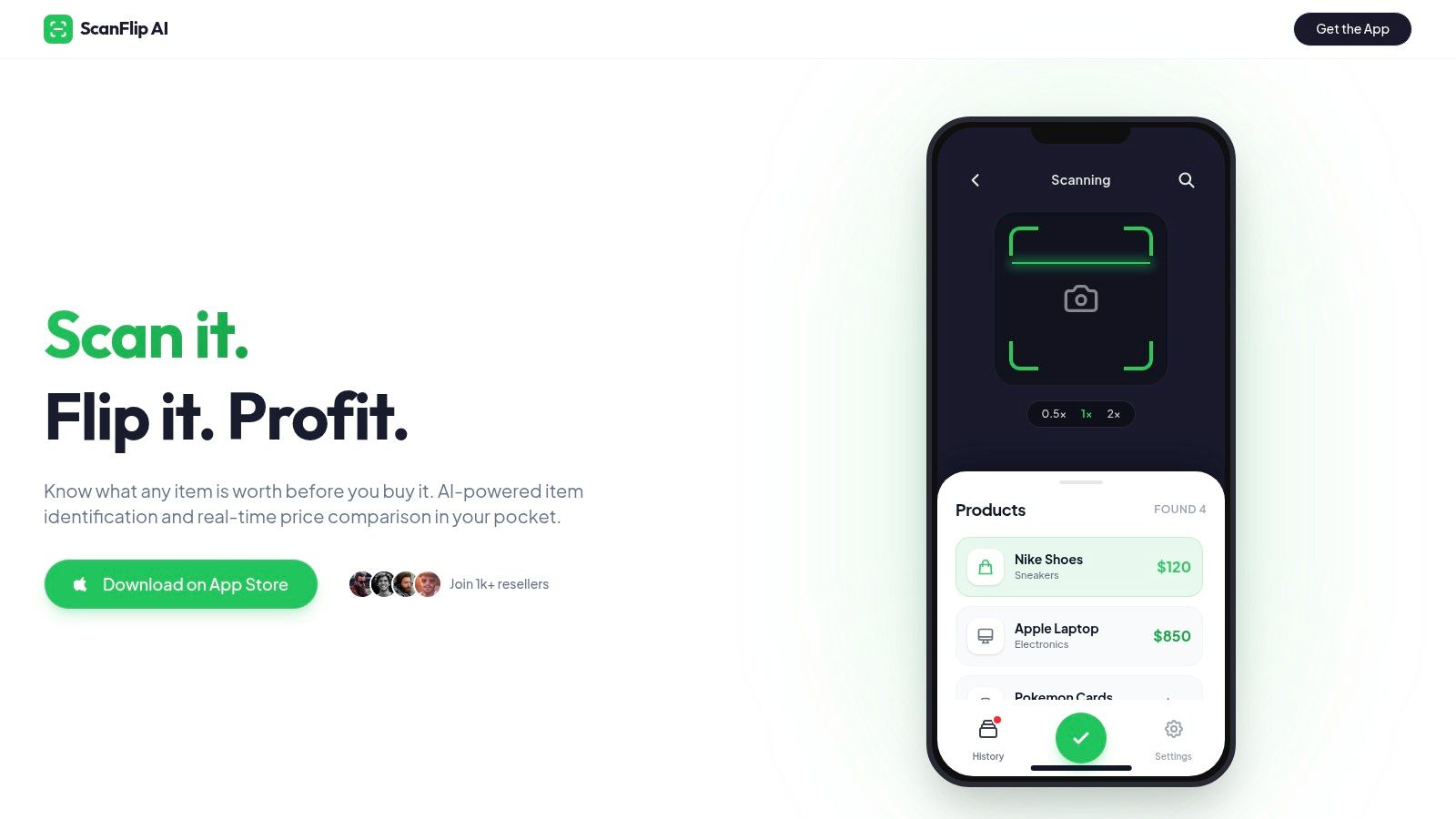
The app doesn't replace judgment. You still need to inspect condition, confirm size and model details, evaluate sell-through, and decide whether the expected sale price is realistic. It does put the fee and shipping math in the same decision instead of leaving those costs for the moment after the sale.
Quick Flip Math Checklist for the Next Sourcing Run
Save this checklist for the next Goodwill run, estate sale, or garage sale:
- Confirm sold comps: Use completed sold prices, not active asking prices.
- Calculate landed cost: Include the purchase price plus your share of sourcing and preparation costs.
- Estimate the payout: Subtract platform fees, payment processing where applicable, shipping, packaging, and a return or markdown buffer.
- Set the buy ceiling: Work backward from your required net margin and dollar profit.
- Use markup only as a shortcut: It's useful for a fast cost comparison, but it isn't your take-home result.
- Check the category risk: Heavy, fragile, slow-moving, and return-prone items need more room.
- Record the decision: Note why you bought or passed, then compare the eventual sale with the estimate.
The strongest sourcing habit is simple: decide what the item must earn before you buy it. That keeps an exciting BOLO from becoming another expensive resident of the death pile.
ScanFlip AI lets you scan with an AI photo, barcode, or text search, compare sold comps across major marketplaces, and see estimated net profit after fees and shipping. Visit ScanFlip AI before your next sourcing trip and use a red or green flip-or-pass decision to check the math while the item is still in your hand.