
10 What Is It Worth App Tools for Resellers
You're in a Goodwill aisle with an untagged jacket in one hand and your phone in the other. You've got maybe thirty seconds to figure out what it is, whether sold comps are real or just hopeful asking prices, what fees will take out of the sale, and whether shipping kills the flip. That buy decision happens before the listing, not after.
That's why a good what is it worth app can't just show a rough price. Barcode-only tools fall apart on vintage, untagged shoes, odd collectibles, and anything with worn labels. A pure eBay lookup can also miss where an item really moves, while broad price guides can help on obscure pieces but still leave you doing math in your head.
The better way to compare these tools is by the decision they help you make. Some are best for identifying an unknown item. Some are stronger for sold comps and sell-through. Some are built for fee-adjusted net profit. Others only make sense when you're deep in books, Amazon, cards, or games.
Below, I'm comparing them on the stuff that matters in the aisle. Identification method, sold-comps coverage, history depth, fee-aware profit math, device access, blind spots, and what kind of sourcing each tool fits.
Table of Contents
- 1. ScanFlip AI
- 2. WorthPoint
- 3. eBay Product Research
- 4. Underpriced
- 5. SellerAmp SAS
- 6. Keepa
- 7. ScoutIQ
- 8. Scoutly
- 9. PriceCharting
- 10. Card Ladder
- Top 10 What Is It Worth Apps Comparison
- Build a Tool Stack Around the Buy Decision
1. ScanFlip AI
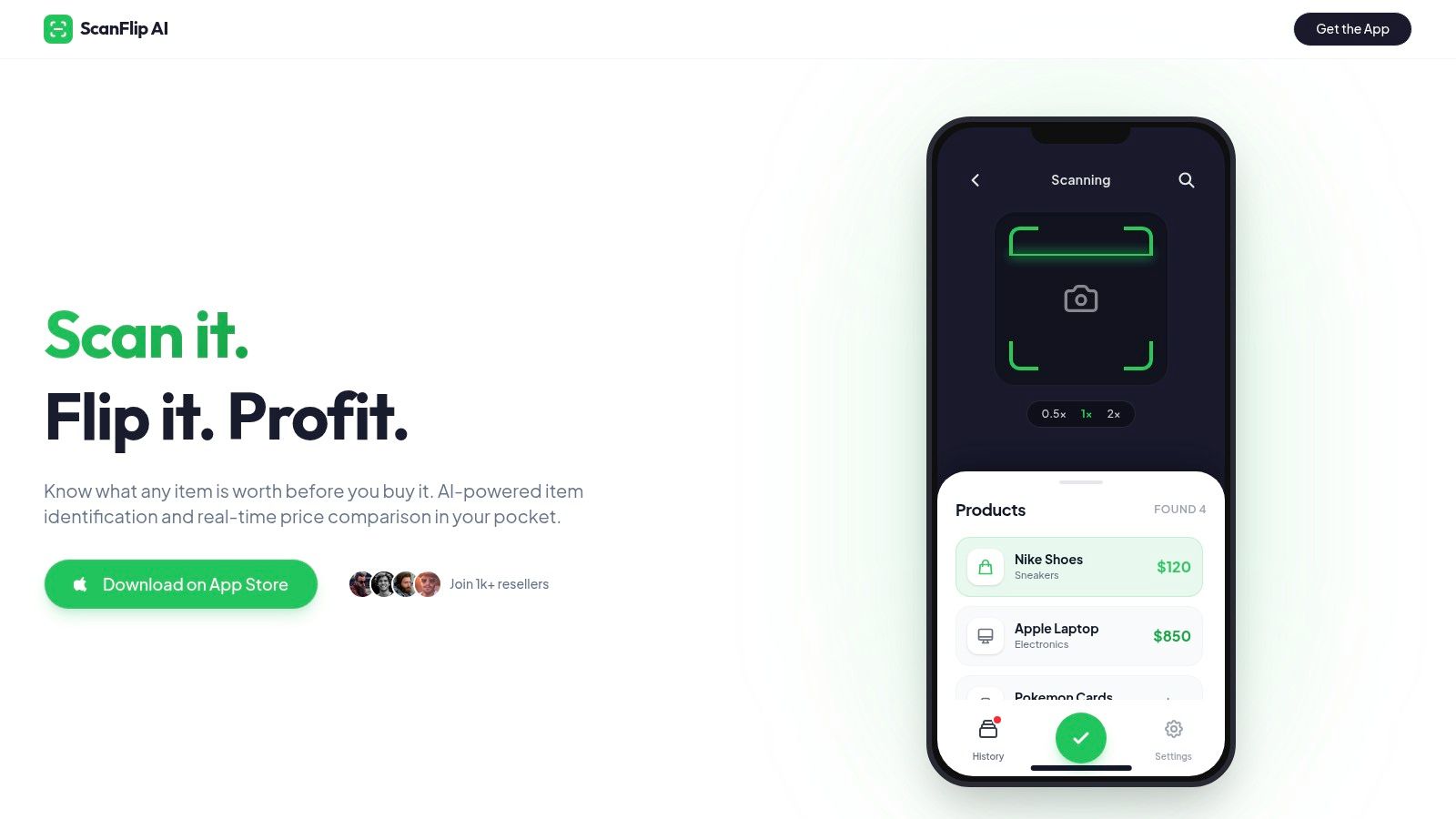
You pick up a pair of shoes with a half-worn label, or a random hard good with no barcode, and the question is simple. Can you identify it, verify real sold comps, and see your likely net before someone else grabs it?
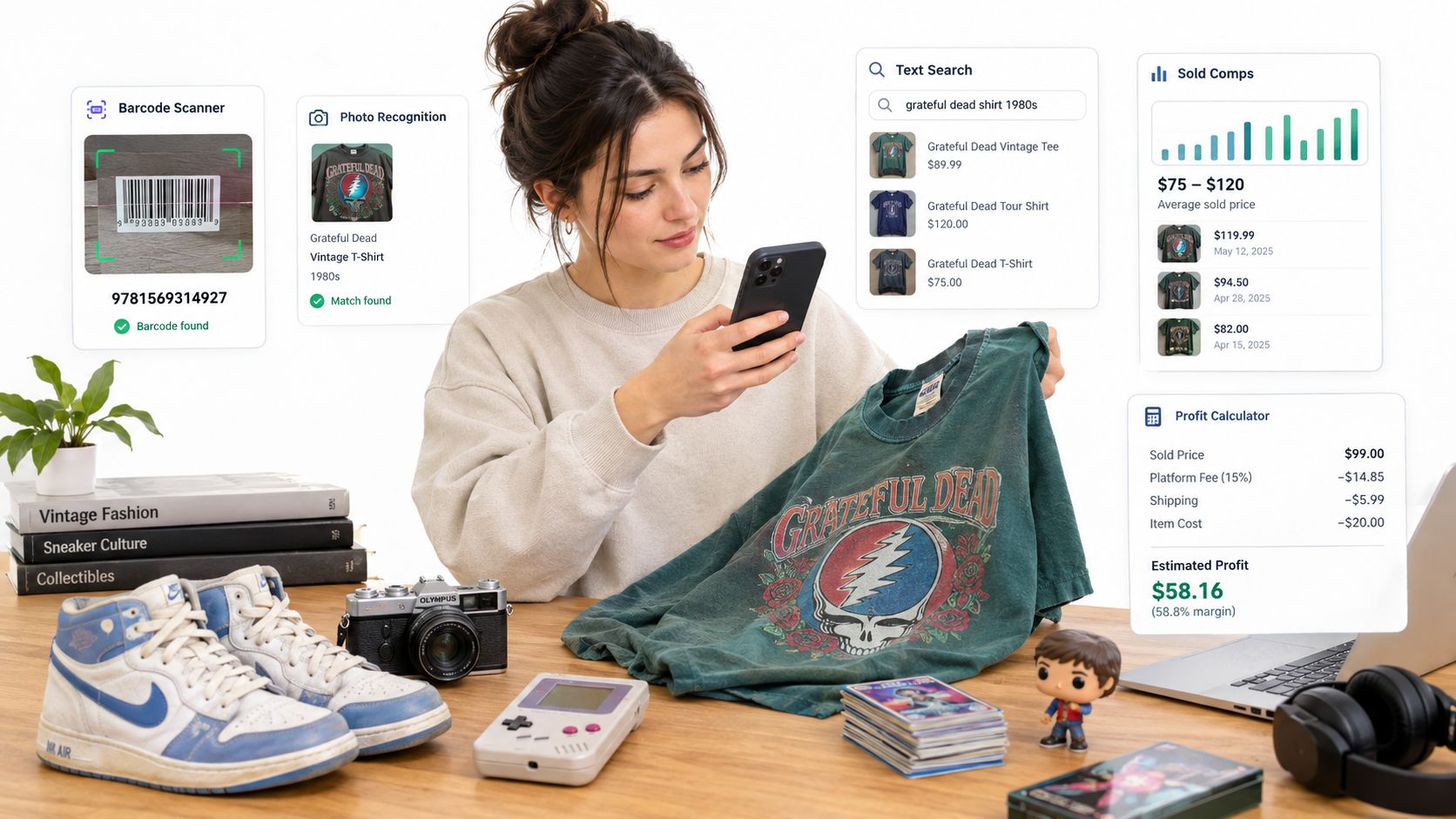
ScanFlip AI is built for that exact buy decision on iPhone. It combines item identification, sold-comp lookup, and fee-adjusted profit math in one step, which makes it more useful in the aisle than tools that only do one part well.
The three input methods are the reason it stands out early in this list. AI photo scan handles the unknown-item problem. Barcode scan covers books, media, games, and standard retail products. Text search gives you a fallback when the photo misses or the barcode is useless. That category spread matters in thrift, estate, and mixed sourcing, where clean retail inventory is only part of the opportunity.
Best for identify-plus-profit sourcing decisions
The practical value is speed with enough context to trust the result. ScanFlip searches sold comps across eBay, Poshmark, Mercari, Depop, Amazon, Whatnot, ThredUp, Facebook Marketplace, and TikTok Shop, then estimates net profit after fees and shipping. That helps answer the question that matters at the shelf. Not what the item might list for, but what you could keep.
Practical rule: Gross sold price is only half the comp. Fees, shipping, and return risk decide whether the buy still works.
I like this type of tool most for mixed bags of inventory. Untagged clothing, shoes, toys, hard goods, boxed electronics, and oddball thrift finds all benefit from having photo scan and profit math tied together. If the item is common enough to have marketplace history, it can save time versus checking multiple apps and doing the subtraction yourself.
It also keeps a scan history with photos, timestamps, and location. That sounds minor until you start revisiting the same thrift chain, estate company, or clearance route and want proof of which stops produce margin.
Trade-offs to know before you rely on it
ScanFlip AI fits best when the sourcing problem is broad and fast. It is less of a specialist research tool than some apps later in this list. If you are deep in old pottery, rare cards, or a category where one precise archival comp matters more than speed, a niche tool can still beat it.
The other clear limitation is device coverage. It is iOS-only on the App Store right now, so Android sellers need a different workflow.
Pricing is another unknown. The site advertises 10 free scans with no credit card required, but it does not clearly publish broader pricing on the site. That is workable for testing, but it makes long-term cost planning less clear than tools with public plans.
Use it when the buy decision depends on four things at once. What is it, what sold, what will fees take, and is there enough left after shipping to bother. If that is your bottleneck, ScanFlip AI earns a spot near the front of your sourcing stack.
2. WorthPoint
WorthPoint is what I reach for when normal marketplace comps are weak and the item looks older, stranger, or scarcer than the average flip. Think antiques, art, pottery, silver, old advertising, vintage collectibles, and those estate sale pieces where the best comp might be buried in older auction history instead of current marketplace search results.
It's less about speed-scanning a stack of retail products and more about rescuing a thin-comp decision. The archive depth is the appeal. If you've got a maker's mark, a weird pattern, or an item that only surfaces occasionally, WorthPoint can keep you from either overpaying or walking away from a real sleeper.
Best for scarce and older items
WorthPoint's mobile app makes it usable in the field, and the identifiers database helps when provenance matters as much as price. That's the kind of thing barcode apps just don't solve.
If you regularly buy in categories where one true comp beats twenty sloppy near-matches, it fills a real gap. This is the same problem behind any good comparable sales database for resellers. You need sold comps that are comparable, not a wall of vaguely similar stuff.
Older items punish lazy matching. One wrong pattern, edition, or maker attribution can turn a good-looking flip into dead inventory.
The main catch
WorthPoint is a paid database, so it only earns its keep if you source in categories where the archive matters. It's also not the place I'd start for modern mall brands, common shoes, or fast-turn retail arbitrage. And historical eBay data can still have the usual issue where best-offer adjustments aren't always obvious.
Use it when the item is scarce enough that broad marketplaces don't tell the full story. Skip it if your sourcing is mostly standard consumer goods with plenty of recent sold comps elsewhere.
3. eBay Product Research
If you sell heavily on eBay, this should stay in your stack even if you use other tools first. eBay Product Research, still called Terapeak by plenty of sellers, is where you go when the basic sold search isn't enough and you need more context on demand, competition, and sell-through.
This is one of the best reality checks for items that look profitable at first glance but sit forever. Good sold comps matter, but without turnover data you can still buy yourself a death pile.
Best for eBay sell-through and market depth
The tool gives you up to three years of historic eBay sales with filters for condition, format, item specifics, and price ranges. That helps when you're trying to separate one lucky high sale from the normal market.
If you're newer to digging through sold comps inside eBay, this guide on how to find sold prices on eBay covers the basics well. Product Research is what you use after that basic step, when you want a deeper read on how often the item moves.
- Strongest use case: Confirming whether sold comps are consistent or just noisy.
- Useful signal: Sell-through and competition indicators.
- Where it helps most: Items with lots of near-match clutter in the standard app search.
Fee reality still matters
The blind spot is obvious. It's eBay-only. If an item sells better on Poshmark, Mercari, or another channel, Product Research won't tell you that.
You also still need to convert sold price into net profit. eBay charges one final value fee on the total amount of the sale plus a per-order fee, and the U.S. help pages list that per-order fee as $0.30 for orders of $10 or less and $0.40 for orders over $10 (eBay selling fees help page). That's a small detail, but small details decide borderline flips.
For eBay-specific sourcing, this stays one of the best verification tools around. I just wouldn't treat it as a universal what is it worth app.
4. Underpriced
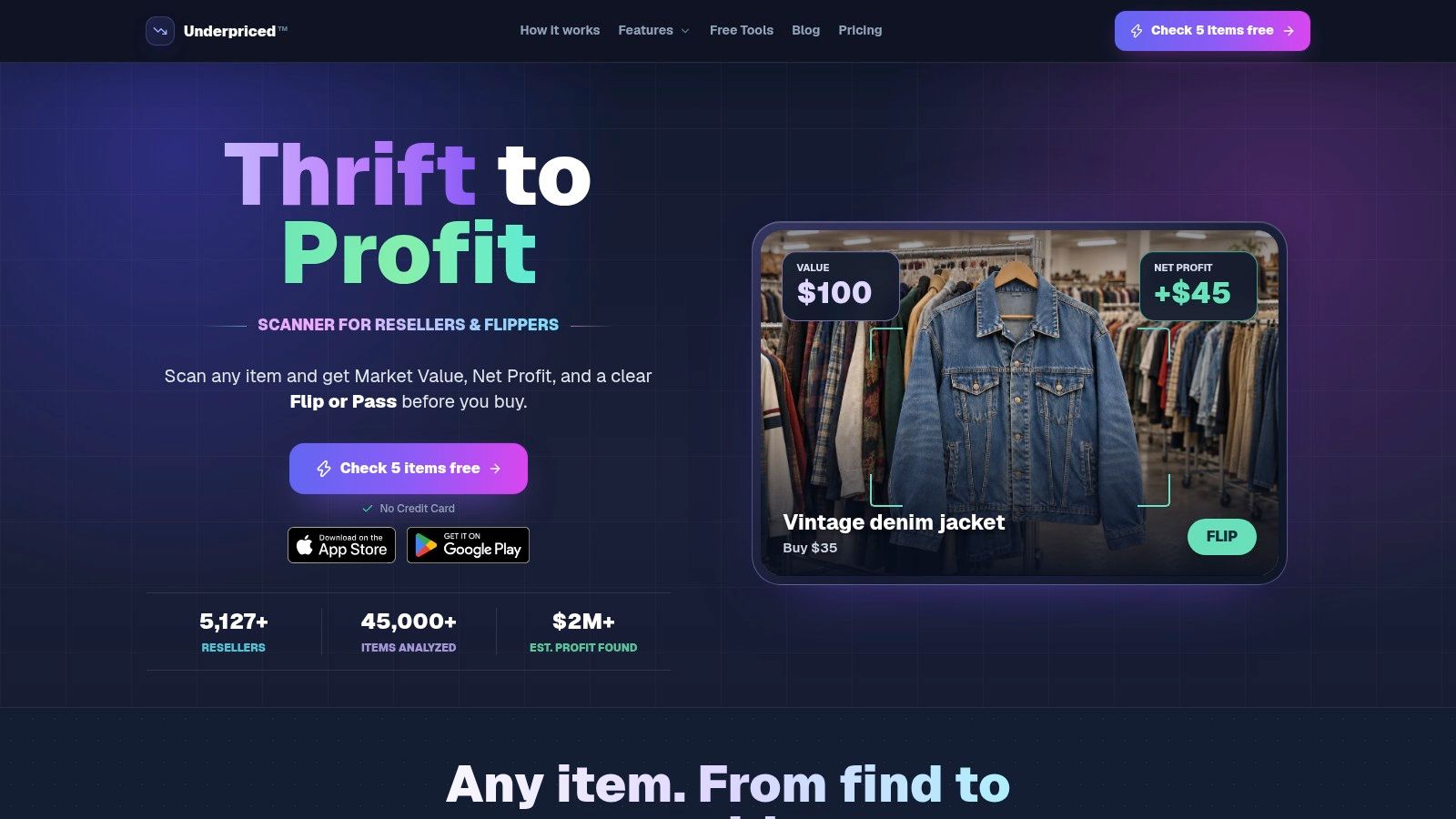
Underpriced is built around the same core sourcing problem most flippers have. Identify the item fast, pull sold comps from multiple marketplaces, estimate fees and shipping, and decide whether to buy.
That makes it easy to compare directly with ScanFlip AI. The broad appeal is clear. You can scan by photo, barcode, or text, and the app is designed to give a simple verdict quickly. That's useful when you're moving aisle to aisle and don't want to babysit a long research process.
Good for broad, quick scans
The best part is reducing app-hopping. A lot of sellers still lose time opening eBay, then Poshmark, then Mercari, then maybe one more platform just to sanity-check value. Underpriced tries to compress that into one motion.
It also leans into sell-through velocity, inventory tracking, and listing-adjacent helpers, so some sellers will like it as a more all-in-one workflow tool. If your sourcing is broad and you want one mobile-first scanner to cover a lot of ground, it makes sense.
Broad scanner apps are strongest when the comp list is transparent. If you can't inspect the comps, you can't trust the verdict.
Where I'd be careful
The downside is the same downside every AI-driven scanner faces. Output quality depends on comp quality and recency. If the item is weird, the category is noisy, or the market is changing quickly, you still need to sanity-check the matches.
It's also a paid tool after initial free use, so the value depends on how often you source and how much time it saves you. I'd put it in the “fast generalist” bucket. Strong for quick buy-skip decisions, weaker when you need specialist category nuance or historical depth.
Use Underpriced when speed matters more than archive depth and your sourcing mix is wide.
5. SellerAmp SAS
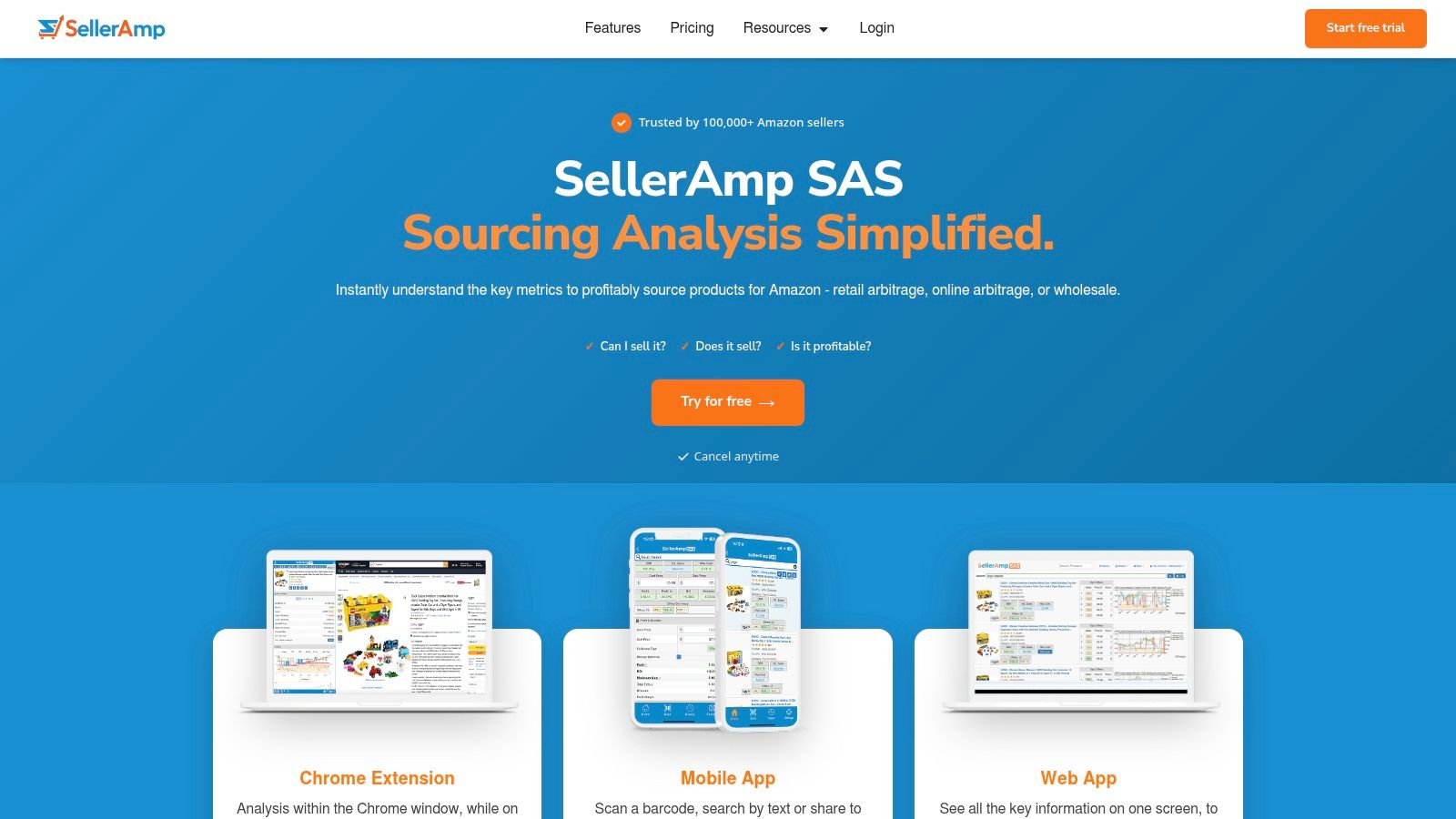
SellerAmp SAS is an Amazon sourcing tool first, second, and third. If your flip ends at Amazon FBA or FBM, it's one of the most useful tools on this list. If you mostly sell on eBay or Poshmark, it's the wrong tool for the job.
That focus is its strength. SellerAmp helps you answer the Amazon-specific version of “what is it worth?” which is really “what will Amazon leave me after fees, eligibility, and risk?”
Best for Amazon buy-cost decisions
Retail arbitrage and online arbitrage sellers use it for fee math, ROI, historical price and rank checks, Buy Box data, and gating or IP alerts. That combo matters because an item can look profitable on raw selling price and still be a bad buy if you can't sell it, the rank is ugly, or the warning signs are all over it.
For Amazon, this is the sort of tool that saves you from fake profit. It's not enough to see a spread between shelf price and current Amazon price. You need the fee-adjusted answer and the risk flags.
- Use it for: RA, OA, and wholesale checks.
- Big advantage: Web app, Chrome extension, and mobile app all in one workflow.
- Why sellers stick with it: It handles practical Amazon friction, not just surface pricing.
The trade-off
The learning curve is real if you're not used to Amazon settings and alerts. If you don't understand what the charts or warnings mean, the data can feel heavier than it needs to.
Still, for Amazon-centric sellers, SellerAmp SAS is one of the better buy-decision tools available. It just doesn't replace a cross-marketplace comps app for thrift or garage sale sourcing.
6. Keepa
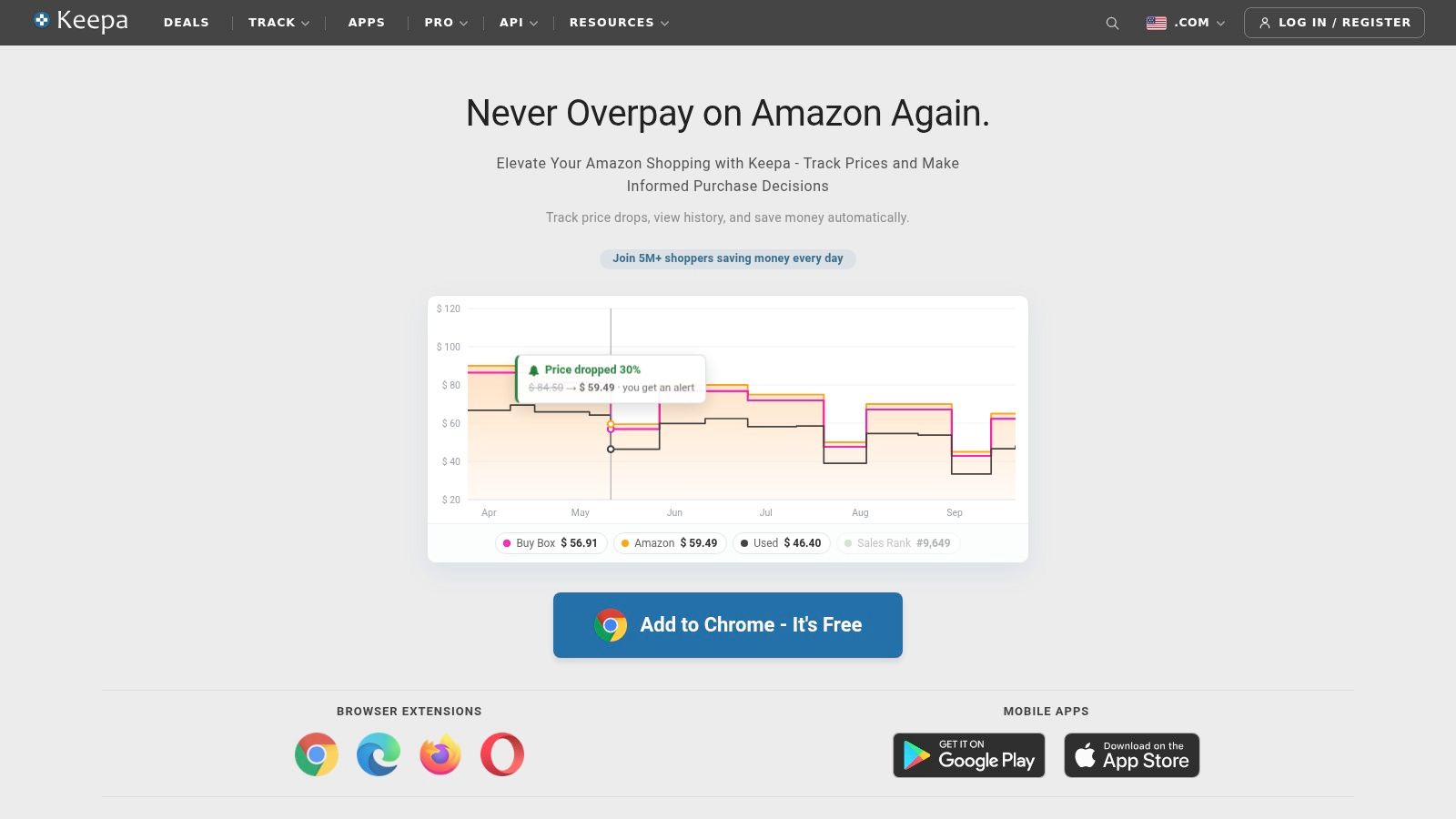
Keepa is less of a scanner and more of a market memory for Amazon. When Amazon sellers say they want history, this is usually what they mean. New and used price charts, sales rank tracking, Buy Box behavior, seller analysis, variation detail. It's the context tool.
That makes it different from an instant what is it worth app. Keepa doesn't just answer what an item is worth right now. It helps answer whether the current number is normal, inflated, tanking, or likely to drift.
Best for Amazon history, not aisle identification
If you source for Amazon seriously, Keepa tells you things a simple snapshot can't. Is the used price stable? Does rank move consistently? Did the Buy Box vanish? Is the current price a spike you shouldn't trust?
For online arbitrage and Amazon-focused sourcing, it belongs in the same conversation as any strong online arbitrage tool for Amazon sellers. It's part of the reason many experienced Amazon sellers won't touch a buy decision off one screen alone.
A profitable Amazon buy isn't just about today's price. It's about whether today's price survives long enough for you to get paid.
Where it doesn't fit
Keepa is not the thing I'd open for an untagged blazer at Goodwill or a random estate sale collectible. It also takes some chart literacy to use well. If you don't know how to read rank and price history together, you won't get full value from it.
Use Keepa when Amazon is your lane and history matters more than instant object identification.
7. ScoutIQ
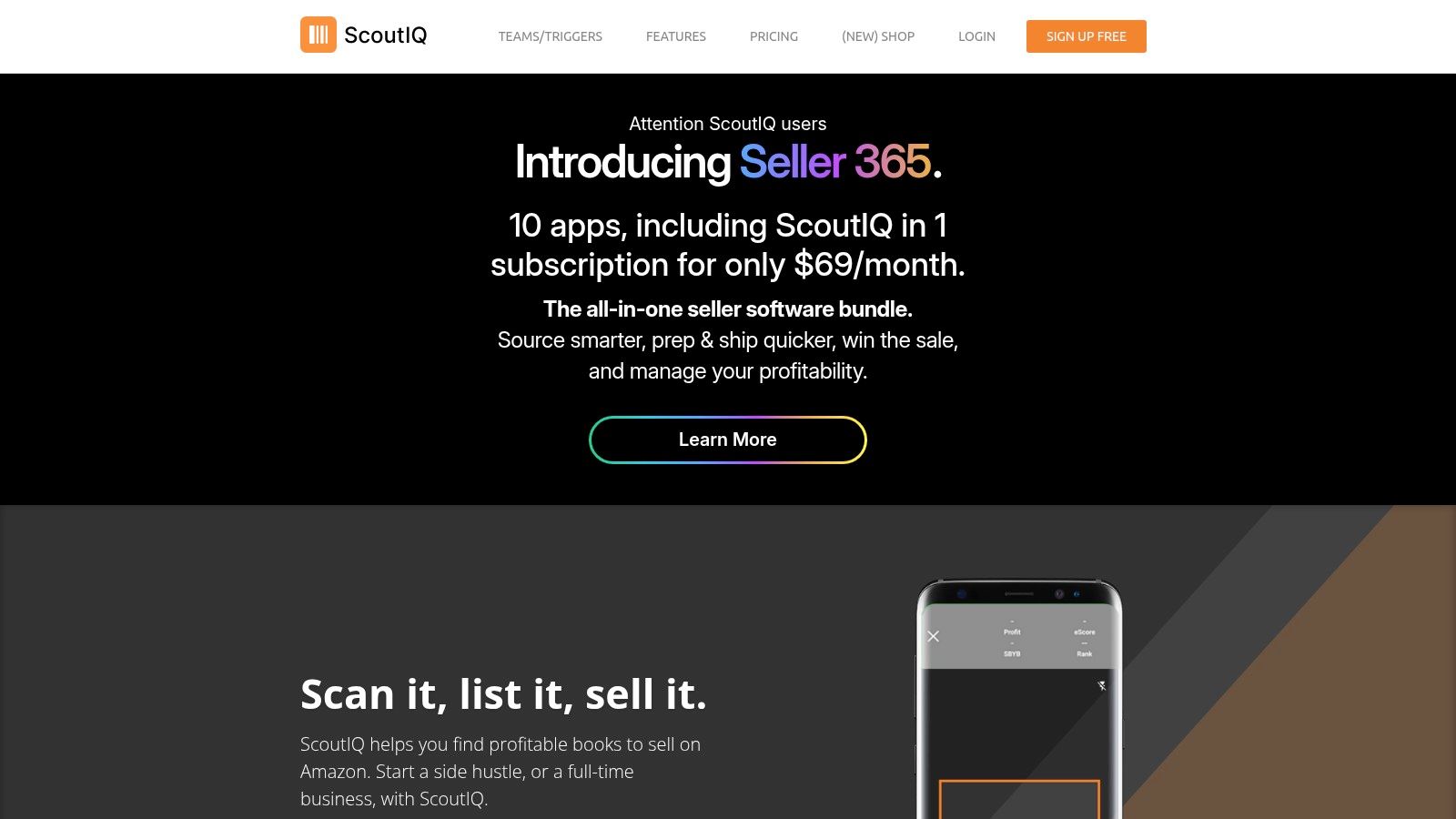
ScoutIQ is for book scanners who care about speed more than almost anything else. If you've ever hit a thrift book section, library sale, or warehouse cleanup with a Bluetooth scanner, you already know the game. You're not researching one item. You're processing volume.
That's where ScoutIQ shines. Smart Triggers, live mode, and offline database mode let you move fast without stopping to think through every individual title.
Best for bulk books and media
This is one of the few cases where a niche tool beats a general scanner outright. For books and media into Amazon, speed plus trigger logic matters more than broad marketplace coverage.
The offline mode is a big deal too. Not every thrift store has usable signal, and some bins or sales are basically dead zones. ScoutIQ was built with that reality in mind.
- Best use: High-volume book and media scanning.
- Why it works: Trigger-based decisions reduce hesitation.
- Where it wins: Low-signal sourcing environments and bulk processing.
Why it stays niche
The downside is simple. It's Amazon-only in practice, and books are a specific workflow. If you also source shoes, clothing, or hard goods, ScoutIQ won't replace a broader sourcing app.
Use ScoutIQ when your money is made one ISBN at a time and speed is the edge.
8. Scoutly

Scoutly lives in the same general neighborhood as ScoutIQ, but the appeal is a little different. It's built around fast offline Amazon scouting, and a lot of its value comes from database-driven scans when your signal is weak or nonexistent.
If you scan books and media in volume, instant offline feedback is hard to beat. Waiting for live lookups over bad signal kills your pace.
Best for offline Amazon scouting
Scoutly's downloadable databases for multiple markets and trigger-based logic make it practical in real sourcing conditions. You can walk into a charity warehouse, basement sale, or crowded event and still keep moving.
It also pairs with TurboLister for FBA shipment creation, which some sellers will like if they prefer a connected scouting-to-shipment workflow. That's useful if your process leans heavily Amazon from start to finish.
Where it loses ground
The interface is more utilitarian than polished, and the focus is narrow. Like ScoutIQ, it's not trying to solve broad cross-marketplace valuation.
Scoutly by ASellerTool is a solid pick for Amazon-heavy scanners who need offline speed and don't care about general thrift versatility.
9. PriceCharting
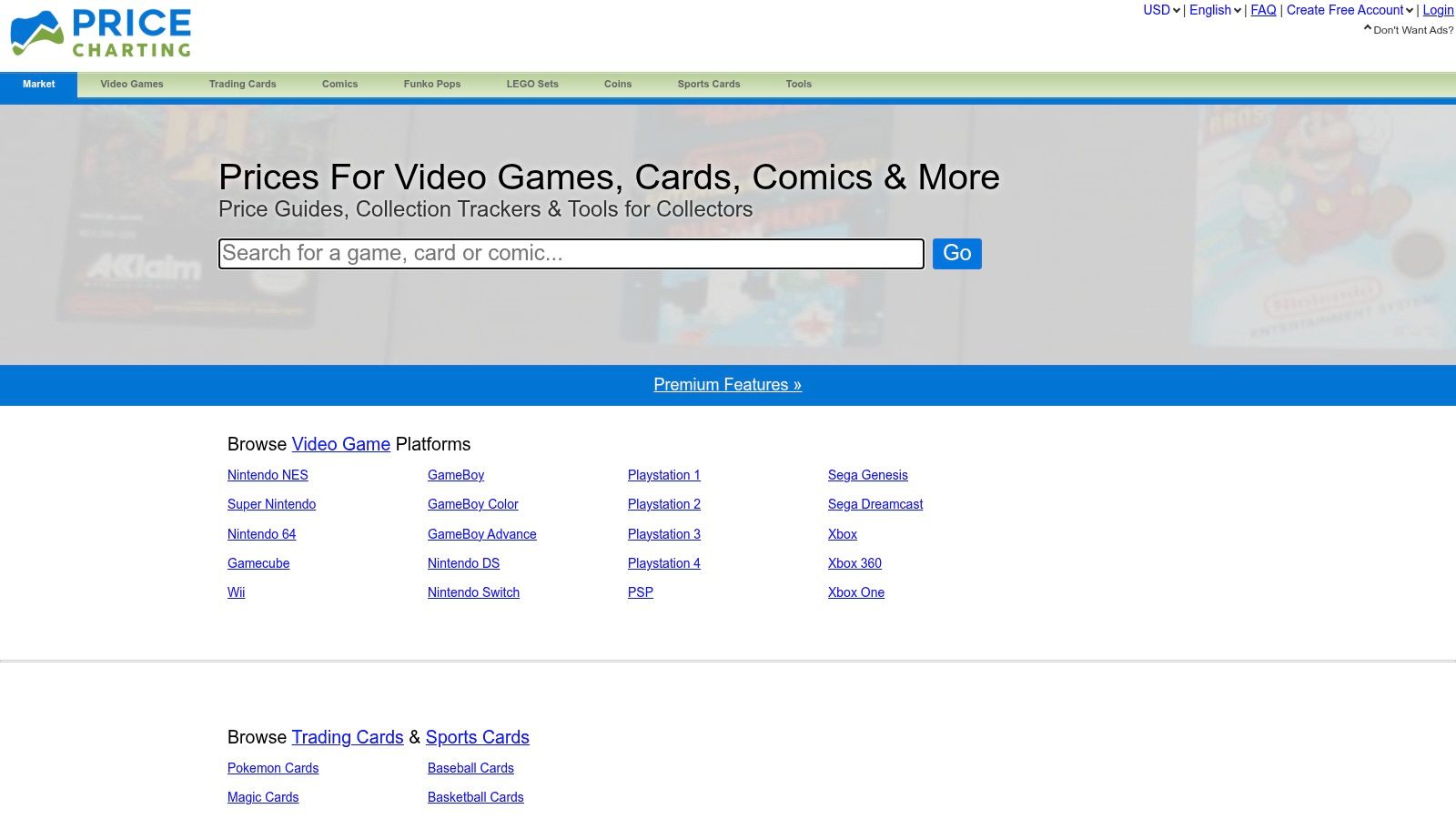
PriceCharting is what I'd call a specialist's worth app. If you flip video games, Pokémon, comics, or adjacent categories, broad resale tools often feel too blunt. PriceCharting gives you category-specific history and condition-aware pricing that's much more useful in those verticals.
That matters because games and cards have too many edition, platform, completeness, and condition traps for generic searches to be enough. A loose cartridge, a complete in-box title, and a sealed copy are different markets.
Strong for games, TCG, and comics
At shows, shops, and local pickups, barcode scanning and quick collection checks are practical. The lot calculator also helps if you're evaluating bundles instead of single items.
This is one of those tools where niche focus is the whole point. If your sourcing lane includes retro games, modern games, TCG, or comics, PriceCharting can be much more efficient than a general marketplace search.
Specialist categories reward specialist tools. Broad apps are fine until condition tiers and variant details decide the whole deal.
The limitation
It's niche on purpose. If you sell clothing, shoes, electronics, or random hard goods, this won't do much for you. Community debate around certain variants and methodology comes with the territory in collectible categories, so it's still smart to confirm edge cases.
For games and card-adjacent sourcing, though, it's a very practical field tool.
10. Card Ladder
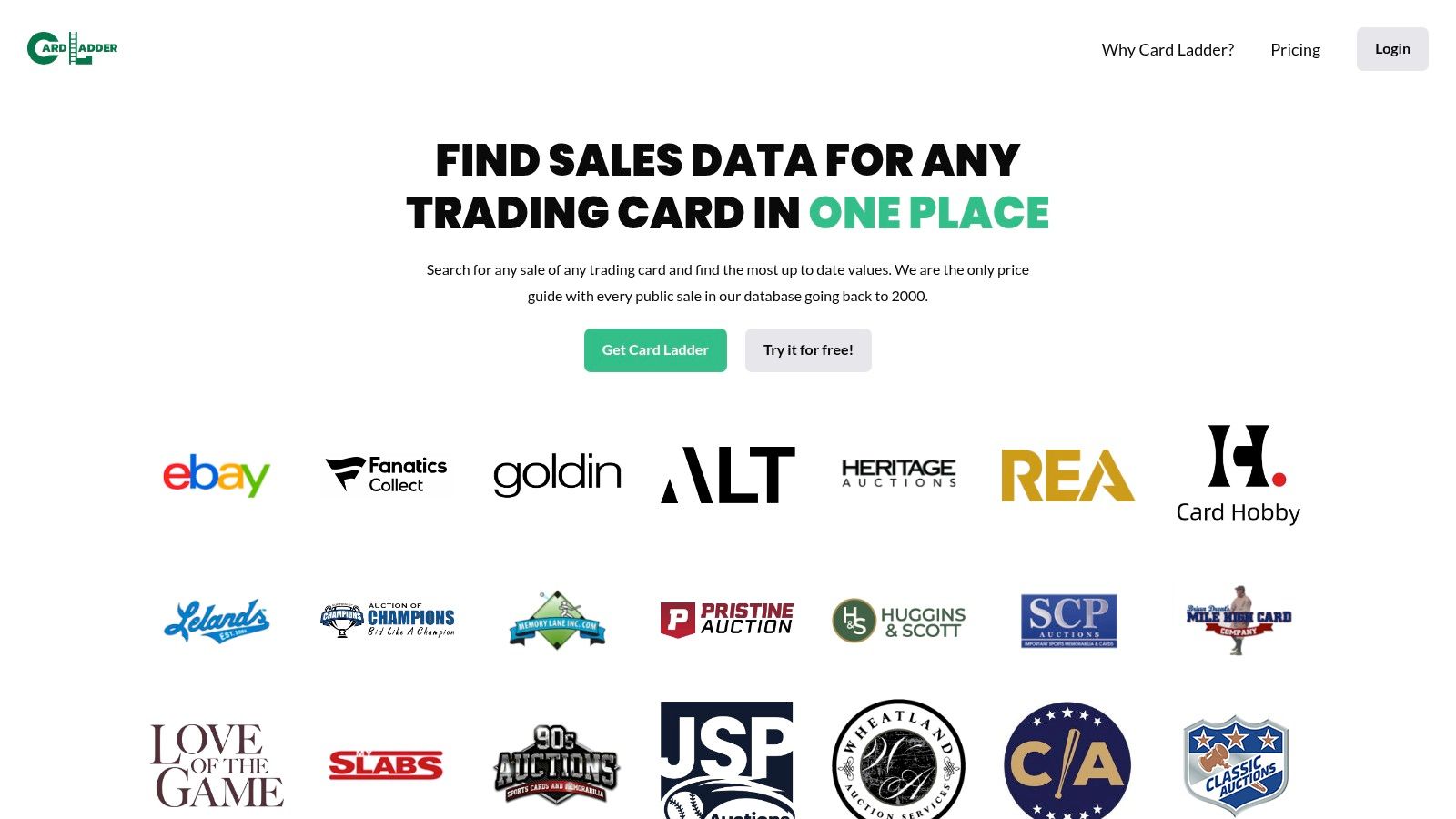
Card Ladder is the sports card version of going deeper than raw marketplace search. If you work card shows, local collections, or higher-end singles, you already know messy comps can cause expensive mistakes. Card Ladder tries to clean that up with verified sales, charting, and value estimates when direct comps are thin.
This isn't for casual “maybe I'll list this base card” sellers. It fits people who need cleaner research on modern and vintage sports cards.
Best for thin sports-card comps
One reason it stands out is that it doesn't just dump raw sale noise in your lap. The platform is known for vetting and cleaning sales, which helps when direct eBay searching gets messy.
That's especially useful in edge cases where a card has thin recent volume, odd grade distribution, or trend movement that matters. Card Ladder gives a better research environment than a generic sold-items search when the card value is meaningful enough to justify the extra step.
Not a general resale tool
The trade-off is obvious. It's paid, and it's mostly for sports cards. If your sourcing mix is broad or your card flips stay low-dollar and high-volume, the extra depth may be more than you need.
For serious sports card research, though, it's one of the better tools for making cleaner buy decisions when the comp picture is thin.
Top 10 What Is It Worth Apps Comparison
| Product | Identification | Market coverage & comps | Net profit / Decisioning | Best for (target audience) | Price / Availability & USP |
|---|---|---|---|---|---|
| ScanFlip AI (recommended) | AI photo (no barcode), barcode, text search | Aggregates recent sold comps across eBay, Poshmark, Mercari, Depop, Amazon, Whatnot, TikTok Shop, ThredUp, FB Marketplace | Auto-deducts up-to-date fees & shipping; shows net profit + red/green flip-or-pass | Thrift/garage-sale flippers, retail arbitrage, collectibles, side-hustle resellers | iOS only; 10 free scans starter; paid plans likely, instant in-aisle buy decision |
| WorthPoint | Photo/text lookup, maker's-marks DB | Deep historical archive: auction houses + marketplaces (≈2 decades) | Historical sold prices; not focused on live net-profit calcs | Antiques, vintage, scarce or provenance-sensitive collectibles | Subscription required; strong provenance and archival data |
| eBay Product Research (Terapeak) | Keyword/identifier search (MPN/UPC/ISBN) | eBay historic sales (up to 3 years) | Price ranges, sell-through, competition metrics; no cross-market net-profit calc | eBay sellers sourcing/pricing | Free for Seller Hub users; official eBay data |
| Underpriced | AI photo, barcode, text search (no barcode needed) | Aggregates sold comps across multiple marketplaces | Net profit calc (fees & shipping), flip-or-pass, inventory tracking | Resellers wanting quick cross-market buy/skip signals | Free trial then credits/subscription; similar in-aisle focus |
| SellerAmp SAS | ASIN/barcode lookup; web & extension tools | Amazon-focused data (FBA/FBM, Buy Box, sales rank) | FBA/FBM fee & ROI calculator; eligibility/IP alerts | Amazon retail/online/arbitrage sellers | Subscription; web/Chrome extension/mobile; strong community/training |
| Keepa | ASIN/URL lookup (product tracker) | Deep Amazon price & Sales Rank history | Historical charts, price alerts; limited built-in net-profit calc | Amazon sellers needing price/rank history and timing | Free limited tier; Pro subscription for full data |
| ScoutIQ | Barcode scanning optimized for books/media; Bluetooth support | Amazon pricing & velocity for books/media | Smart Triggers, profit calculations, live & offline modes for instant buy/skip | High-volume book/media scanners | Paid plans; Live and offline Database modes |
| Scoutly (ASellerTool) | Barcode scanning with offline pricing DB | Offline pricing DB for Amazon (US/CA/UK) | Profit calc, triggers, TurboLister pairing for FBA workflows | Offline book/media sourcing and FBA listers | iOS/Android; subscription; instant offline scans |
| PriceCharting | Barcode and text lookup | Price histories for video games, TCGs, comics | Condition-specific histories, lot calculator, collection valuation | Video-game, TCG, comic flippers/collectors | Free/basic features; paid tiers and API for power users |
| Card Ladder | Search by player/set/card; mobile app | Verified sports-card sales & historical charts | CL Value estimator for thin comps; portfolio tracking & analytics | Sports-card collectors, investors, serious flippers | Subscription required; vetted sales and trend tools |
Build a Tool Stack Around the Buy Decision
There isn't one universal winner because resellers don't all solve the same problem. The right what is it worth app depends on what kind of item is in your hand, how strong the comp signal is, where you plan to sell it, and how fast you need to decide.
For broad sourcing, ScanFlip AI is the most practical starting point. It handles tagged and untagged goods, gives you AI photo scan, barcode scan, and text search, pulls sold comps across multiple marketplaces, and does the net profit math in the same step. That makes it the best fit for thrift, garage sale, estate sale, and mixed-category sourcing where the question is whether to buy the item right now.
For deeper eBay analysis, eBay Product Research is still worth keeping in the stack. It's stronger for checking sell-through, historic depth, and whether the market is consistent enough to support the buy. WorthPoint earns its place when the item is older, scarcer, or weird enough that standard marketplace comps don't tell the full story.
Amazon sellers need a different setup. SellerAmp SAS is better for live buy-cost decisions on retail arbitrage and wholesale-style checks. Keepa is better for reading price and rank history. ScoutIQ and Scoutly are the specialist options for books and media, especially when scanning in bulk or working in weak-signal spots.
Special categories deserve specialist tools. PriceCharting makes more sense for games, TCG, and comics than any broad resale scanner. Card Ladder is the better research tool for sports cards when comps are thin or the sale data needs more cleanup.
A repeatable workflow keeps you out of trouble:
- Identify the item first: Use photo, barcode, or text depending on what you're holding.
- Verify sold comps: Check actual sold prices, not asking prices.
- Check condition and sell-through: One high comp doesn't mean the item moves well.
- Run fee-aware math: Add cost of goods, shipping, and marketplace fees before deciding.
- Set a minimum threshold: If the net profit doesn't clear your floor, pass.
- Record the result: Scan history and notes help you spot repeat winners and avoid buying the same bad idea twice.
That order matters. Sourcing tools come before listing and crosslisting tools like Vendoo and List Perfectly. First you decide whether the item deserves your money. Then you worry about where and how to list it.
The hardest thing for newer flippers to learn is that passing is productive. If comps are thin, category fit is unclear, or net profit barely survives after fees and shipping, leave it. Good sourcing isn't about proving every item can work. It's about buying the ones that still make sense after the math.
If you want one app that helps with the actual aisle decision, ScanFlip AI is built for that moment. You can scan by photo, barcode, or text, check sold comps across major marketplaces, and see expected net profit after fees and shipping before you buy. Take a look at ScanFlip AI if you want a faster way to decide flip or pass.